


01 / Written
Write or import the screenplay.
Start a screenplay or import FDX, Fountain, PDF, or text. Edit formatted pages and keep story notes beside the draft.
Screenplay-to-shoot planning guideScreenwriting and pre-production software for independent filmmakers. Write your screenplay, plan your shoot, and prepare the documents your crew needs - all in your browser.
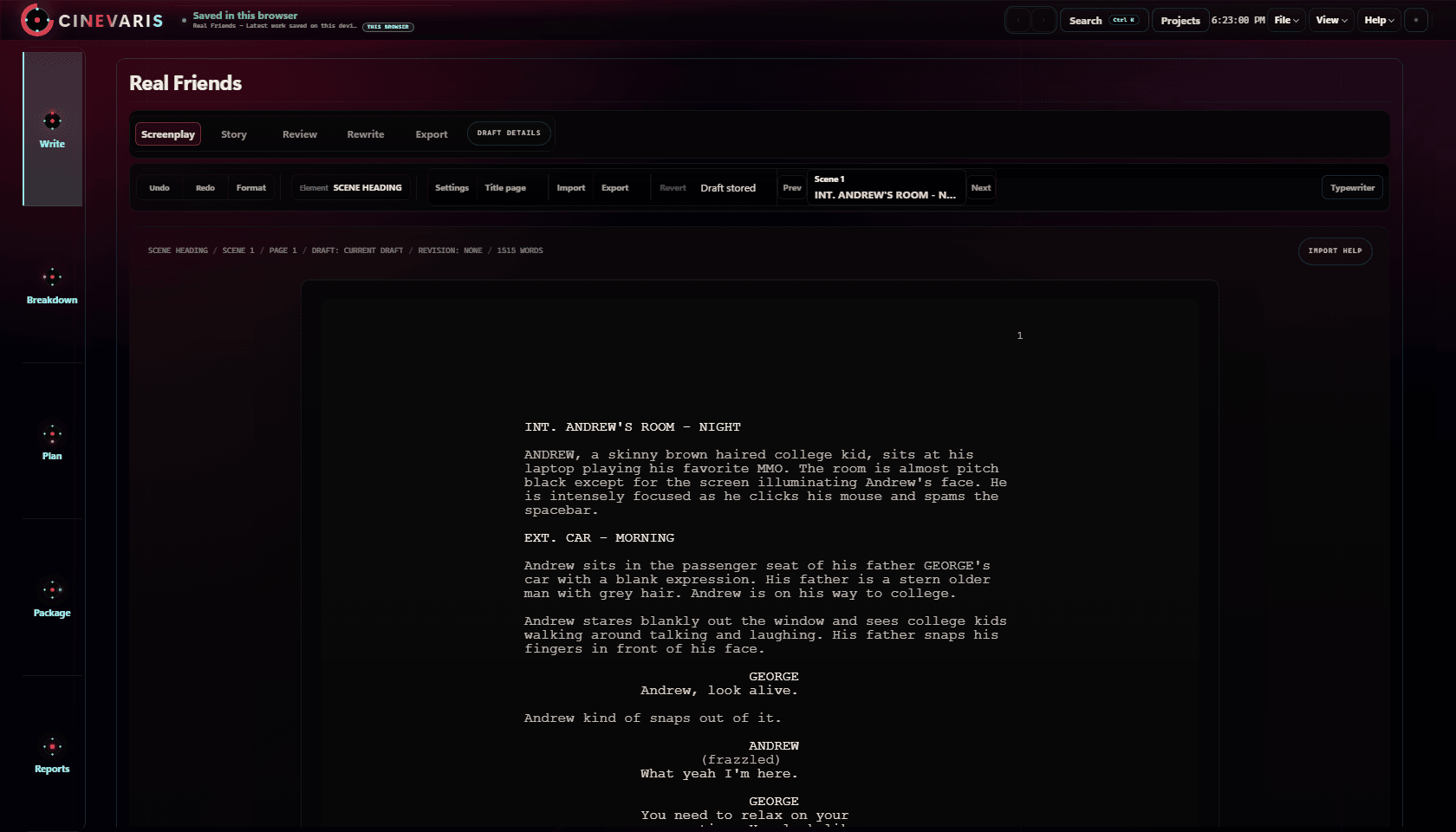
Start a screenplay or import FDX, Fountain, PDF, or text. Edit formatted pages and keep story notes beside the draft.
Screenplay-to-shoot planning guideEight scenes in Real Friends share Andrew's room. Keep cast, props, and notes with each scene, then turn a detail into a task when it needs follow-up.
Free script breakdown worksheetArrange scenes into shoot days, build shot lists, and prepare call sheets using the scene details in your project.
Free shot list spreadsheetSelect a cast, crew, producer, or shoot-day package and choose which project material to include. Reports handles the finished document.
Preview your selected material, then copy, print, or export it as PDF or Markdown. Share the documents outside Cinevaris.
Full Access
Write your screenplay, plan shoot days and shots, and export production documents. Full Access is $20/month for one creator.